Upload event videos
Add your event videos to Lensmora and enable face scanning on an eligible plan.

A selfie helps guests find the videos they appear in.
Lensmora is an event photo and video sharing platform with AI face recognition. Guests open an event link or QR code and use a selfie to find videos with a matching face. Find Me brings those results together with their matched photos.
Browser-based guest access. Video scanning requires an eligible plan and completed processing.
Add your event videos to Lensmora and enable face scanning on an eligible plan.
After processing, faces from sampled frames make eligible videos searchable within the event.
Guests open a link or scan a QR code in their browser, then use a selfie for Find Me.
Guests receive matching videos alongside their photo results, with appearance ranges where available.
Group portraits, candid reactions, and celebrations deserve to be easy to find. Lensmora brings matching video appearances into the same personal gallery as your photos.
Choose a face, tap Find Me, and play the video featuring that guest.
Everyone starts with the same library.
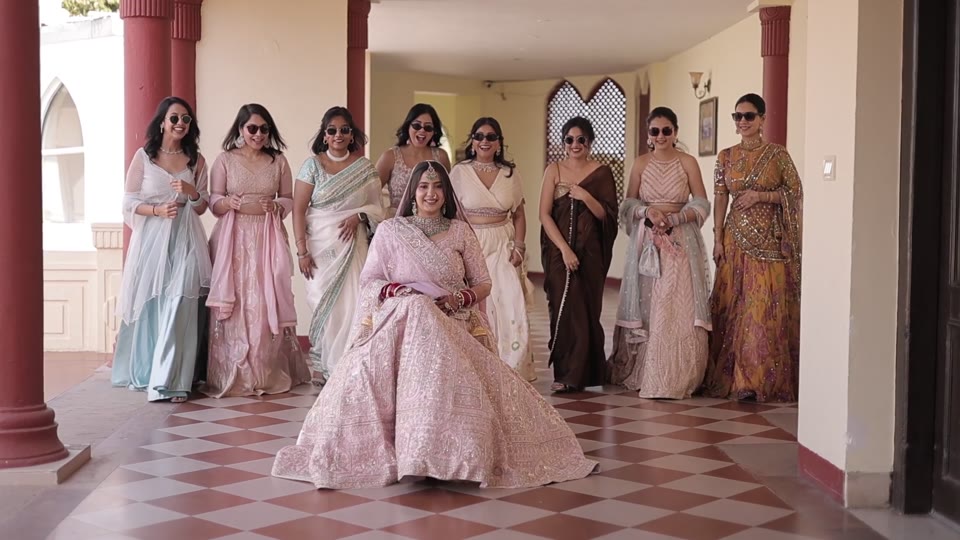 0:18
0:18 0:09
0:09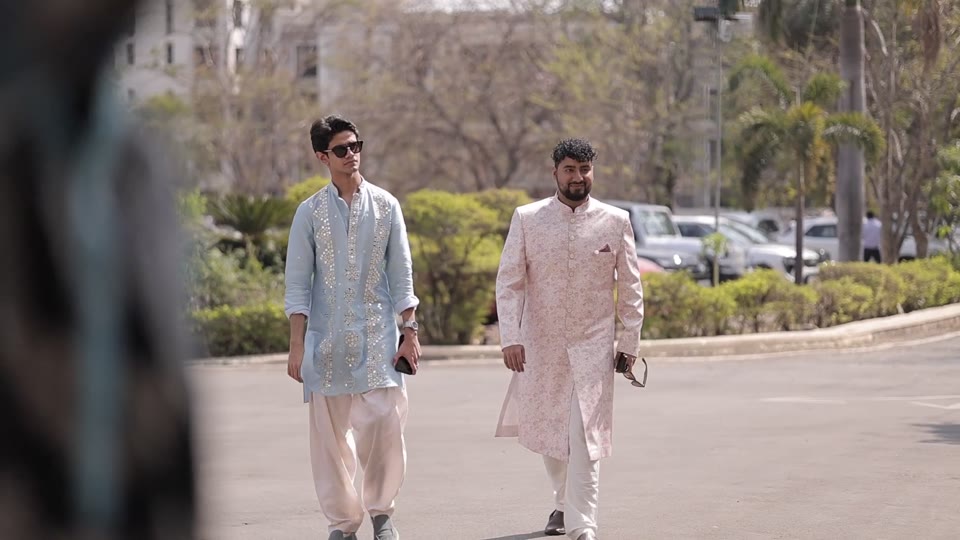 0:05
0:05No selfie upload needed for this demo.
Choose a face and tap Find Me to see their video.
Demo faces and results are preselected. In your gallery, guests use their own selfie to search the event.
Find Me filters results by a guest's face match. The rest of the gallery follows the host's settings: public media, Highlights, and broader access can also be available.
A result links to a matching source video. Other people may appear in that video; matching does not blur faces, remove people, or automatically create a clip of just one guest.
Explore Client GalleryLensmora samples video frames; a match or every appearance is not guaranteed.
Compare video scanning availabilityHelp guests find appearances in ceremony clips, reception videos, and dance-floor moments.
Explore the event workflowLet participants look for visible appearances in finish-line footage and event clips.
Explore the event workflowHelp speakers and attendees discover appearances in talks, networking clips, and event recaps.
Explore the event workflowYes. Lensmora compares a guest's selfie with faces indexed from sampled frames of eligible event videos. Find Me returns videos with a matching face, alongside photo matches, within that event.
Find Me shows face-matched results. Hosts can also make public videos, Highlights, or broader galleries available under the event's access settings. A matched video may contain other people; Lensmora does not remove them or isolate the guest into a new clip.
No. Lensmora indexes sampled video frames. Brief appearances, small faces, poor lighting, motion blur, occlusion, or unusual angles can cause missed or incorrect matches. Face matching is a discovery tool, not proof of identity.
Video uploads and video face scanning are separate capabilities. Scanning requires an eligible plan, face scanning enabled for the upload, and completed processing. Upload size and processing limits apply. Check the current Video Face Scan row on the pricing page before choosing a plan.
Guests open the event link or QR code in a browser and use a selfie for Find Me. No app install is required. Viewing and downloading depend on the event's access and download settings.
No. A guest's Find Me search matches against indexed media within the selected Lensmora event. It is not a public internet face search service.
Set up a gallery, check video scanning availability, and try Find Me with your own approved media.
Read the event photo and video delivery guide